
Blurry Subtitles, and a Bar That Turns Yellow
Two different things get described as a subtitle problem. The words look soft on a sharp monitor….
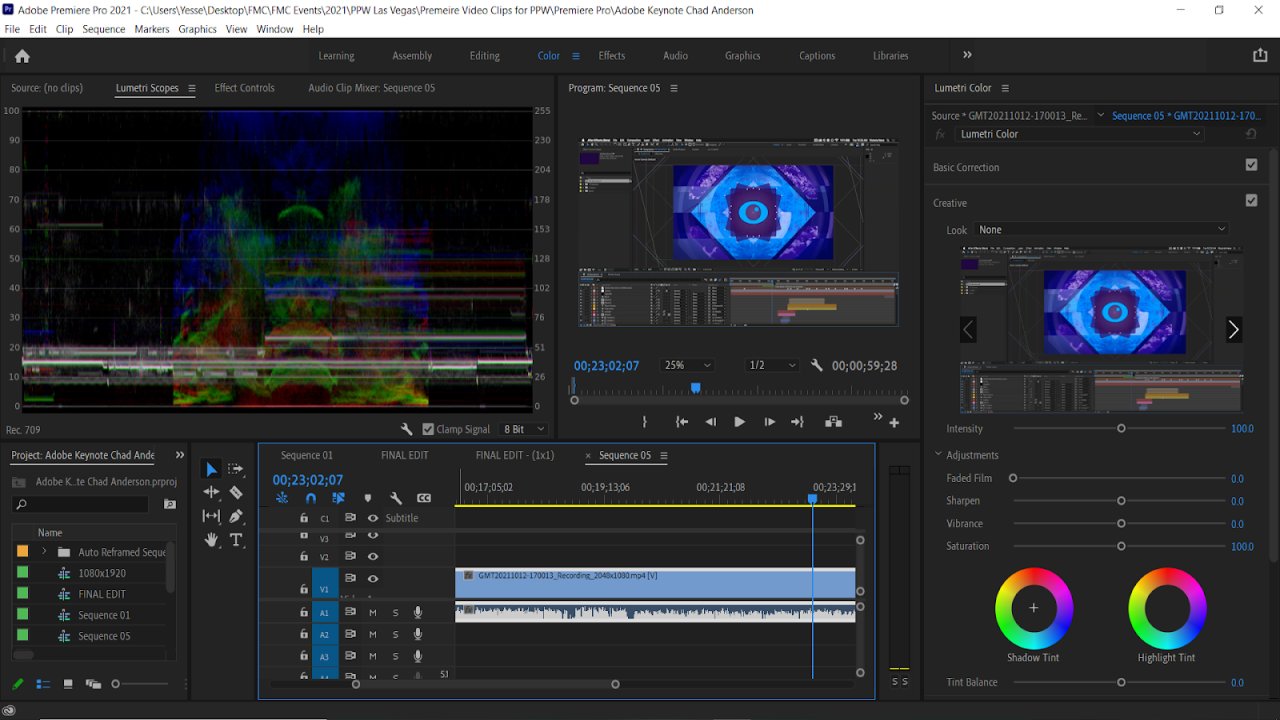
Two different things get described as a subtitle problem. The words look soft on a sharp monitor. And a minute after you render, the bar under the timeline goes from green to yellow on its own. Only the first one is about the captions.
Why the words look soft
Captions from an SRT file are drawn at the size of the sequence, then encoded into the frame. They do not have their own resolution. A 1080 or 2K export, played full screen on a 4K monitor, is being scaled up by the player. The picture softens and the type softens with it. That is the monitor, not a caption setting you missed.
If the type is soft even at 100 percent in the Program Monitor, the sequence is smaller than you think, or the captions were burned in from an already compressed file. Check the sequence frame size. Export at that size, and look at the file in a player set to actual pixels before you judge it on a 4K screen.
Green and yellow are the render bar
The thin bar above the time ruler is not the subtitle color. Green means Premiere has a preview for that span. Yellow means it does not, and it is playing the effects live. A render that flips back to yellow did not recolor the words. Something invalidated the preview: a preference, a background conform, or a small change you did not notice. Render that span again if you need the green bar. The captions are still the color you set in the caption style.
