
Premiere Exports a Broken or Too-Small Video
An export that errors, or that claims to be the right length while the file is far…
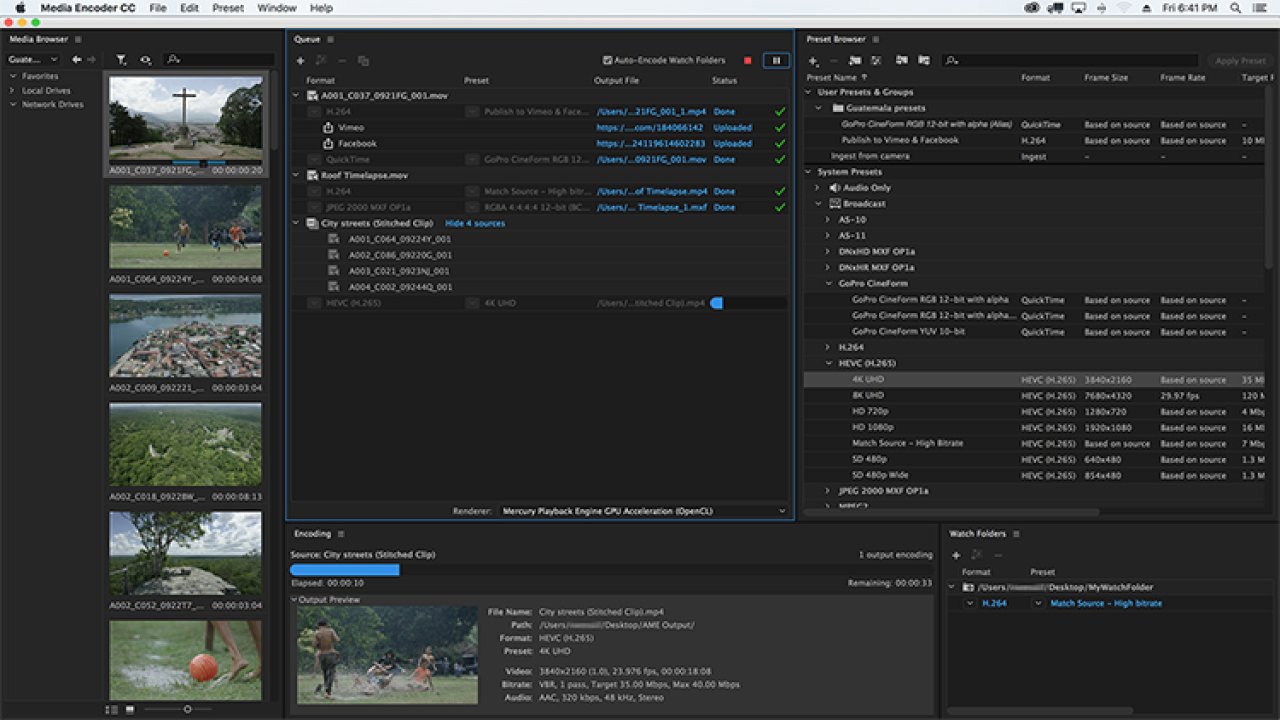
An export that errors, or that claims to be the right length while the file is far too small, stopped writing frames at some point. Past that point the player jumps back toward the start. The timeline is still there. The file is a stub.
Find the spot, then go around it
Cut the sequence in half and export each half with software encoding, to a folder that does not contain the source files. The half that fails gets split again until you have a short stretch that will not encode. Replace or transcode the clip in that stretch. Variable-frame-rate game capture and a single damaged frame are the usual finds. A hardware encoder that “finishes” the bad stretch will still write a stub, so use software encoding while you are testing.
CPU use at the ceiling during a hardware encode is normal when effects, scaling, or color are still on the CPU. The GPU encoder only compresses the finished frames. It does not run the effect stack. A pinned CPU does not mean the hardware encoder is broken. It means the frames are slow to arrive.
A master you can remake
Once the timeline exports cleanly, make a ProRes or other intermediate of the finished edit if this file is a master you will compress more than once. Make the H.264 from that intermediate. You then have a clean file to go back to when a delivery spec changes, and you are not re-running the effect that broke the first encode.
