
Should You Import Every Asset into the Project?
Keeping a master folder of assets, and pulling from it per project, is the right shape. Dumping…
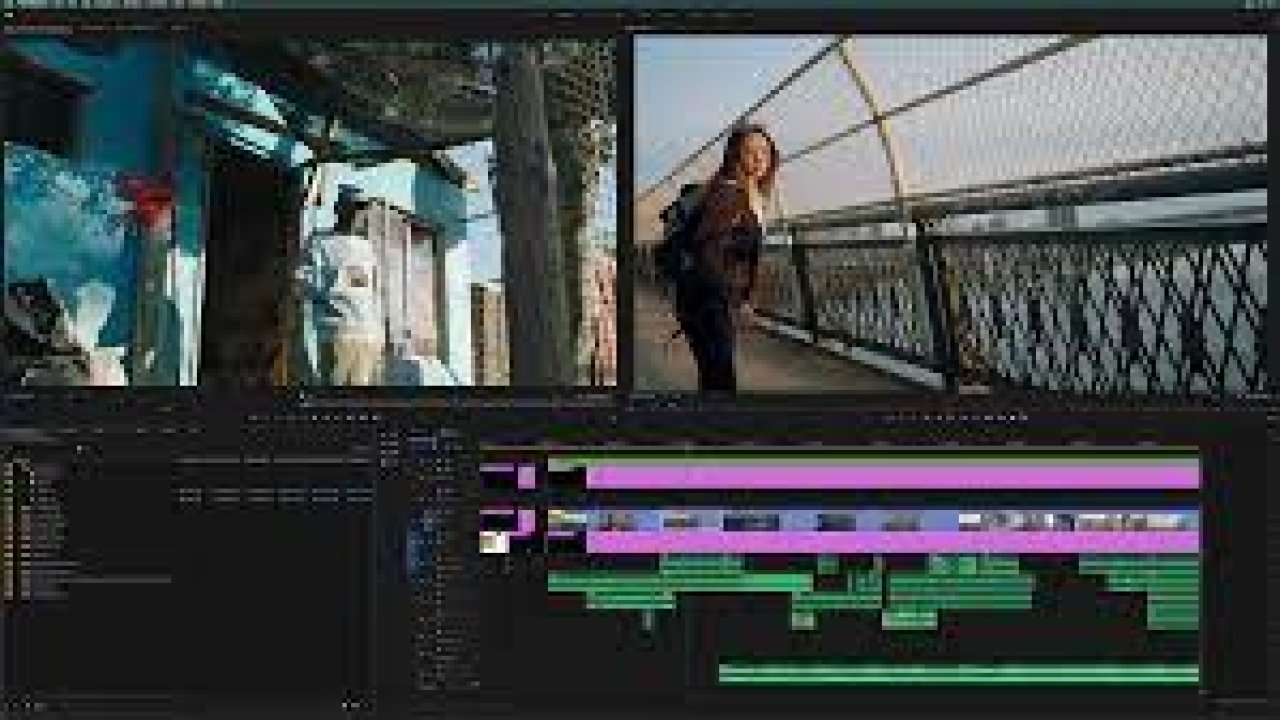
Keeping a master folder of assets, and pulling from it per project, is the right shape. Dumping that whole folder into every Premiere project feels safer than it is. The project does not get a private copy when you import. It gets a pointer. The cost shows up when the project opens, and when you archive.
What import actually does
Every clip in the Project panel is scanned, thumbnailed, and written into the project file. A library you only use ten percent of still has to be opened, on every launch, in every job. Bins get slow. Icon view gets slow. Nothing about the timeline is better, because the unused clips were never going on it.
Import the folder for this job, or the selects from the library. Leave the rest on disk. You can always import another file later. You cannot get the open-time back once every project carries the whole library.
Archiving
Project Manager, with Collect Files and Copy to New Location, copies what is in the project. Exclude Unused Clips does what it says, and it is the setting to use. It is still a worse plan than not importing the unused media. Unused clips that were imported and then forgotten stay in the project, and a single missed checkbox archives all of them. A project that only contains the media it used archives cleanly either way.
The library stays where it is, in one place, for the next job. The project folder holds the edit and the media that edit touched.
