
Add Several Clips from the Same Source in Premiere
You set an in and an out, cut that piece into the timeline, then try to mark…
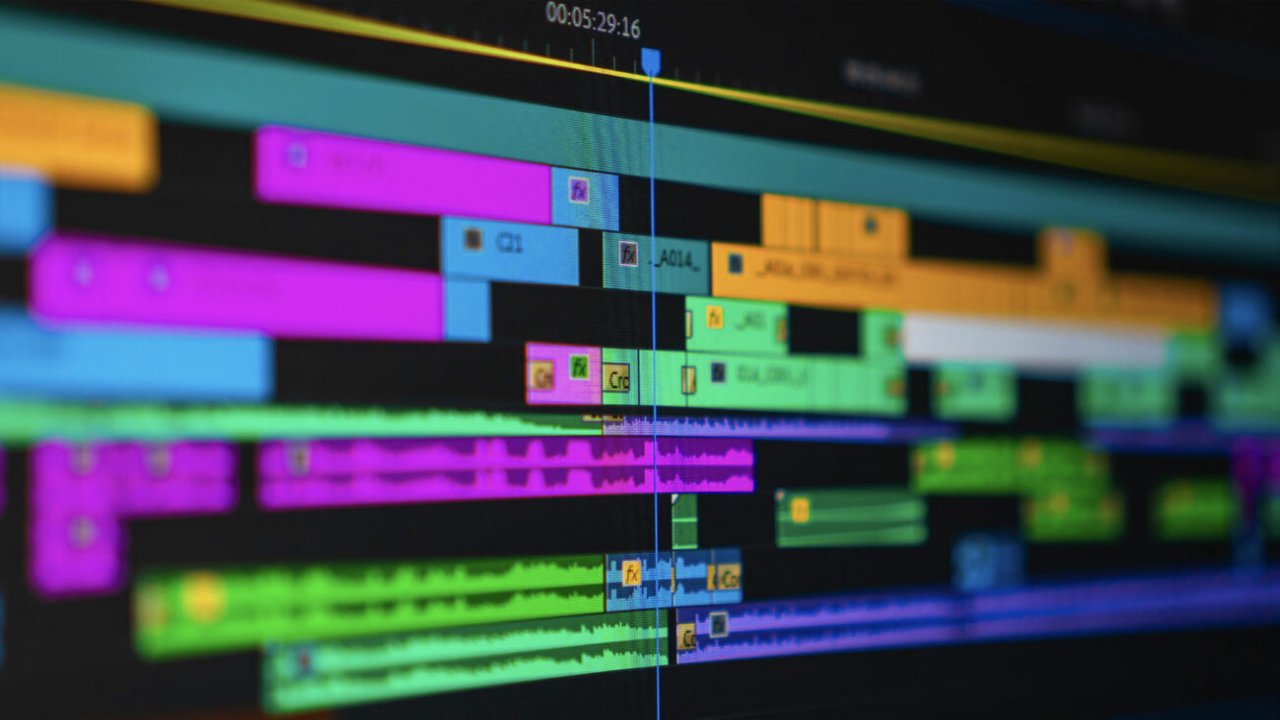
You set an in and an out, cut that piece into the timeline, then try to mark a second piece from the same file. Premiere changes the clip you already placed. The file is not locked. You are looking at the timeline copy, not the master.
Open the master, not the cut
Double-clicking a clip in the timeline loads that edit into the Source Monitor. New marks change that one instance. Double-click the same file in the bin, or drag it from the bin to the Source Monitor. Marks you make there belong to the source. Insert or overwrite as many pieces as you need. Each edit is its own clip on the timeline, all pointing at the same media.
The comma key inserts at the playhead and shoves later clips down. The period key overwrites whatever is under the playhead. Use insert when you are building a string of selects. Use overwrite when the timing of the rest of the timeline has to stay put.
A bin of selects, if you will reuse them
If the same moments come back in later episodes, mark them once and drag each marked range from the Source Monitor into a bin. Premiere makes a subclip. Subclips keep their own in and out, and double-clicking one never rewrites a different piece of the timeline.
Match Frame (F) is the other way around. It takes the frame under the playhead and finds it in the source, which is what you want when you need a longer handle on a cut you already made. It is not how you pull a second, unrelated moment.
